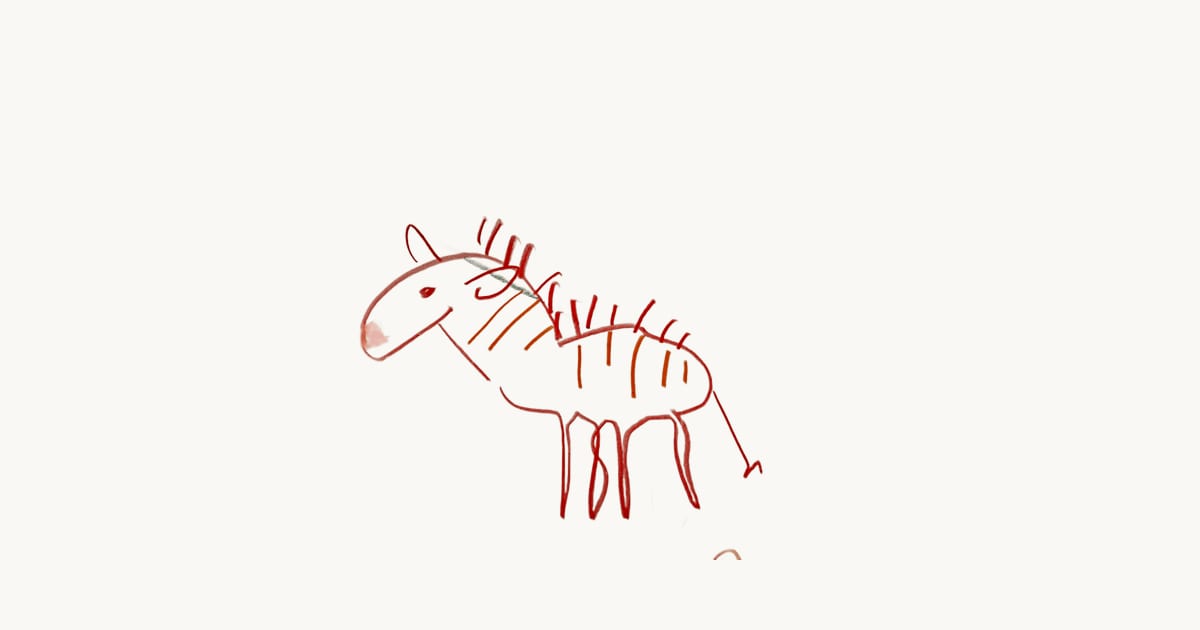
I have 247 photos of my kids’ drawings on my phone. In roughly 200 of them, you can see the kitchen table. In about 30, there’s also a cup of coffee. In one, my younger son’s foot.
These photos were supposed to preserve the art. Instead they preserved the table.
If you’ve ever tried to turn phone photos of kids’ art into something presentable, a book, a print, even just a nice gallery on your phone, you know the problem. The drawing looks great in real life. The photo looks like evidence from a crime scene where someone spilled tempera paint.
Here’s what I’ve learned from photographing roughly a thousand kids’ drawings. Some of it is obvious. Some of it took me way too long to figure out.
The light matters more than the camera
Your phone is fine. Seriously. A 2020 iPhone or any recent Android takes photos sharp enough to print at poster size. The camera is not your problem.
The light is your problem.
Window light, no overhead lamps. That’s the entire rule. Lay the drawing flat near a window. Turn off the kitchen light. The overhead LED you love for cooking creates harsh shadows that cut across the paper. Window light wraps evenly.
The difference is dramatic. Under window light, watercolors look like watercolors. Under the kitchen lamp, they look washed out on one side and dark on the other.
Morning or overcast days are best. Direct afternoon sun through the window creates its own shadows. You want bright but diffused. A cloudy day in Zurich, which is most days, is perfect for this.
Watch your own shadow. If you’re standing between the window and the drawing, you’re the problem. Move to the side or rotate the paper so the light comes from behind you.
Get directly above it
Angle is the other silent killer.
Hold your phone parallel to the paper. Directly above, looking straight down. Not tilted, not at a slight lean because you’re also holding a coffee. The tilt creates perspective distortion, where one side of the drawing looks wider than the other. For a rectangle on a table, your eyes correct for this automatically. A camera does not.
The lazy hack: lay the drawing on the floor. Stand over it. This naturally puts you perpendicular to the paper. It’s faster than mounting the drawing on a wall, and you don’t need tape.
If your phone has a grid overlay (most do, it’s in camera settings), turn it on. Line up the edges of the paper with the grid lines. This takes three seconds and saves you from crooked photos you’ll never bother to rotate later.
The background problem
You’ve handled the light. You’re directly above. The drawing looks sharp and evenly lit.
And there, surrounding your kid’s self-portrait, is the kitchen table. The wood grain. The placemats. The ring from this morning’s mug.
This is the part I underestimated for years.
Option 1: White paper underneath. A sheet of printer paper or white poster board under the drawing. Simple, effective, free. Works for most pieces. Doesn’t work for white paper drawings because there’s no contrast at the edges.
Option 2: Dark surface for light art. If the drawing is on white or light paper, put something dark underneath. A dark placemat, a piece of black foam board. The contrast helps your eye, and later helps any cropping tool find the edges.
Option 3: Let the software handle it. This is what I eventually built. Background removal strips away everything that isn’t the artwork itself. No table, no floor, no coffee ring. Just the drawing on a clean white canvas.
I thought this would be the easy part. It wasn’t.
Why kids’ art breaks background removal
I spent months on this. The AI models that remove backgrounds from product photos or portraits? They’re trained on objects with clear edges. A shoe on a white table. A face against a blurred room.
Kids’ art has none of that.
A watercolor painting bleeds at the edges. The color fades to nothing gradually. There’s no hard line where “art” ends and “paper” begins. The paper is often the same white as the table underneath.
Finger painting is worse. The paint smudges extend past the paper onto the table. The model looks at a blob of blue on brown wood and can’t tell if it’s art or a spill. Fair point, honestly.
Then there’s crayon on brown kraft paper. Dark marks on a dark background. Or glitter glue, which catches light and confuses edge detection completely.
The models that nail a portrait fail spectacularly on a 4-year-old’s collage. I kept getting results where half the pasta was removed. The algorithm thought dried macaroni on paper looked like dried macaroni on a table. Which, to be fair, it does.
The fix was edge refinement. After the AI does its initial pass, a second step cleans up the transitions. Adaptive thresholds that adjust based on the image. White fringing gets blended with neighboring colors. Very transparent pixels at the edges get faded smoothly instead of hard-cut.
A gentle blur on just the alpha channel softens the final transitions. Nobody notices any of this when it works. You just see a clean drawing on a white page. But getting there with a finger painting took longer than I’d like to admit.
The two-minute routine
Here’s what actually works for daily art management. It takes about two minutes.
- Grab the drawing. Right when the kid gets home, before it joins the pile.
- Floor, window side. Lay it on the floor near the biggest window. No prep needed.
- One photo, straight down. Phone parallel to the paper. Tap to focus on the drawing. Shoot.
- Let the app clean it up. Background removal, auto-organize by child. Done.
That’s it. The entire pipeline from backpack to preserved art is two minutes. The drawing goes on the fridge for a week, then into the recycle bin without guilt because the digital version is clean and permanent.
I do this every day after Kita pickup. It’s become automatic. My older son now hands me drawings and says “take the photo first” before putting them on the fridge. He gets it.
When perfection doesn’t matter
One more thing. Not every drawing needs museum-quality photography.
The stick figure on the back of a receipt? Snap it, move on. The painting they spent an hour on with three colors of watercolor and genuine concentration? That one deserves the window light, the clean background, the careful framing.
Most of preserving kids’ art is just showing up consistently. A slightly crooked photo taken every day beats a perfect photo taken once a month. The routine matters more than the technique.
My first attempts were terrible. Kitchen table, bad light, coffee in frame. But they exist. Those 247 photos on my phone, table and all, contain drawings my kids made when they were two and three.
Some of those drawings are the only record that a specific afternoon existed.
If you want to make them look nicer later, background removal and a photo book can fix a lot. But the most important step is the photo itself.
Take it today. The kitchen table is fine.